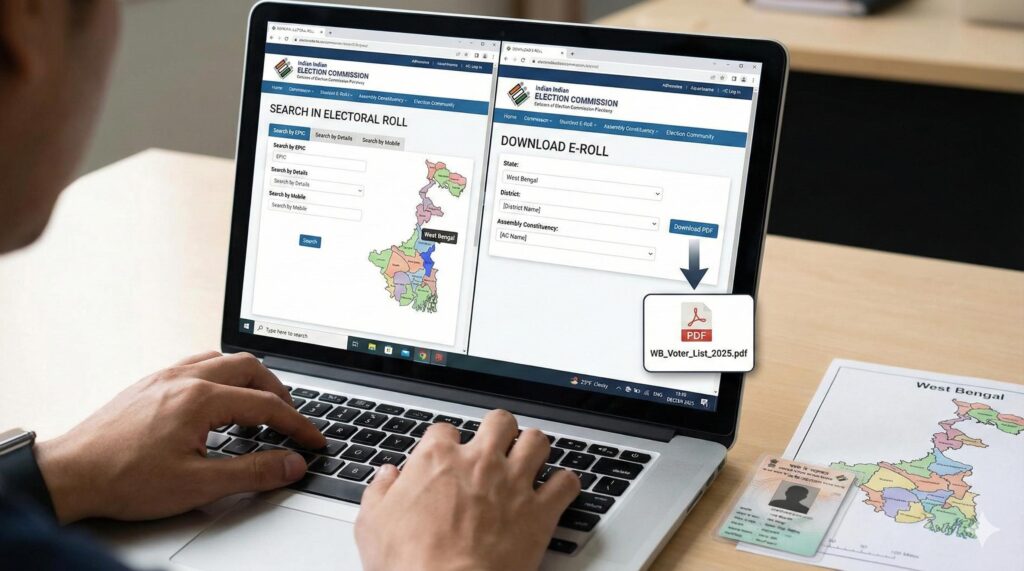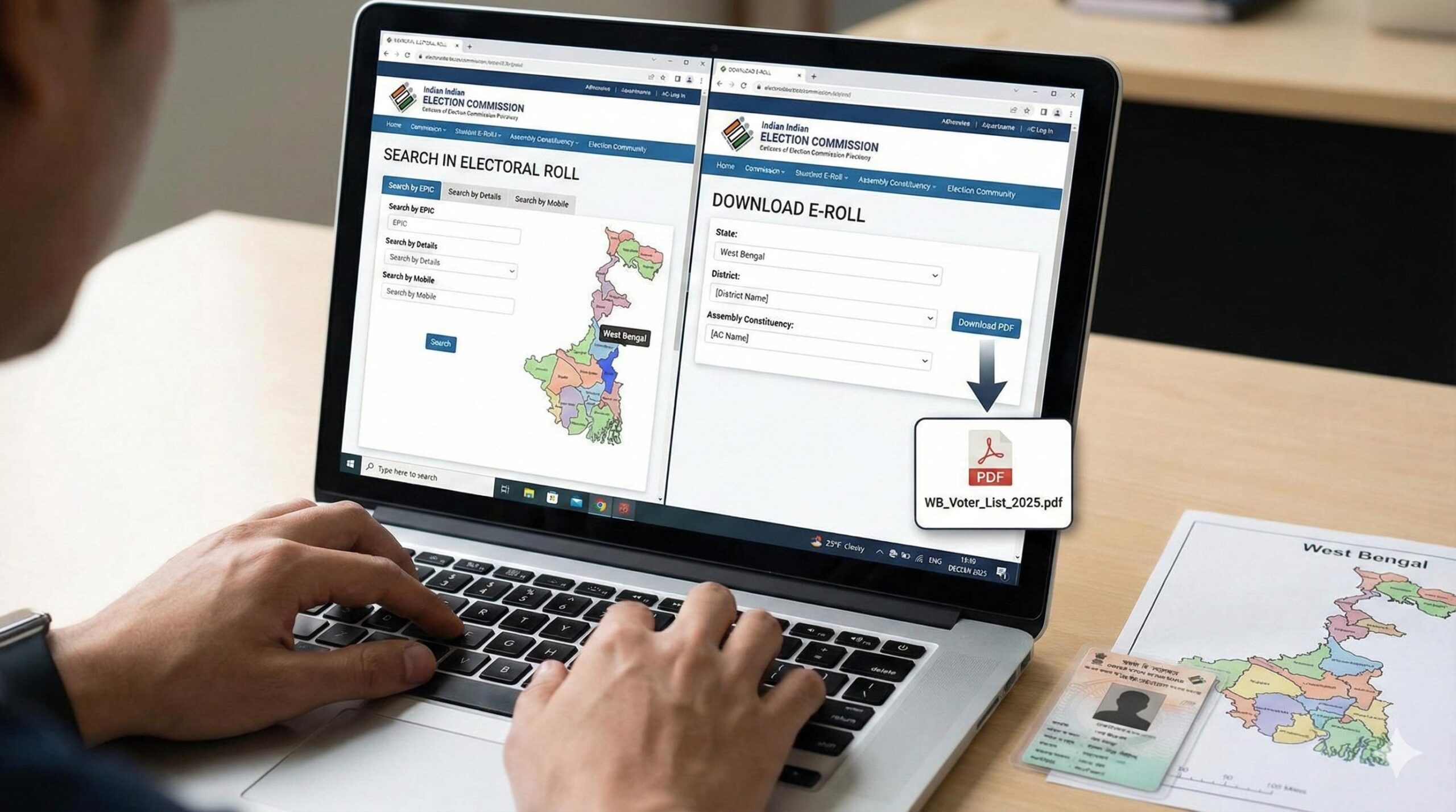
SIR Method 1: By EPIC (Voter ID) Number
- Open the official Election Commission of India – Voter Portal
- Select “Search in Electoral Roll”
- Choose Search by EPIC Number
- Enter:
- EPIC / Voter ID Number
- Select State
- Enter the Captcha code
- Click Search Click Here
Your voter details will appear (Name, Father’s Name, Polling Booth, Assembly Constituency).

SIR Method 2: By Name & Date of Birth
- Go to Search in Electoral Roll
- Choose Search by Details
- Fill in:
- Name
- Father/Mother/Husband Name
- Date of Birth (or Age)
- Gender
- State & District
- Enter Captcha
- Click Search
 https://ceowestbengal.wb.gov.in/Index
If your name is registered, it will be shown in the list.
SIR Method 3: Through Mobile App (Voter Helpline App)
- Download Voter Helpline App from Play Store
- Open the app
- Tap Search your name in Electoral Roll
- Search by:
- EPIC number OR
- Personal details

SIR Information You Can Check
- ✔ Voter Name
- ✔ EPIC Number
- ✔ Part Number
- ✔ Polling Station Address
- ✔ Assembly Constituency
SIR If Your Name Is NOT Found
- Apply for New Voter Registration (Form 6)
- Apply for Correction (Form 8)
- Apply for Address Change (Form 8A)

📌 Method 1: Search by EPIC Number
| Step No | Action | Details |
|---|---|---|
| 1 | Open Website | Go to NVSP / ECI official voter portal |
| 2 | Select Search Option | Choose Search by EPIC Number |
| 3 | Enter EPIC No | Enter your Voter ID (EPIC) number |
| 4 | Select State | Choose West Bengal |
| 5 | Verify Captcha | Enter captcha code |
| 6 | Click Search | Press Search / Submit |
| 7 | View Details | Your Name, Assembly Part, Polling Station will appear |
| 8 | Download | Use Print / PDF option to download |